Craft a professional email response or formal reply with this text message generator. Write replies to social media comments, craft responses for professional correspondence and write responses for your testimonials and reviews.
How to Use Professional Text Response Generator in 4 Easy Steps
Use the text response generator to get closer to your audience who is interested in interacting with your brand. Get personal with your followers, show gratitude to customers and do more!
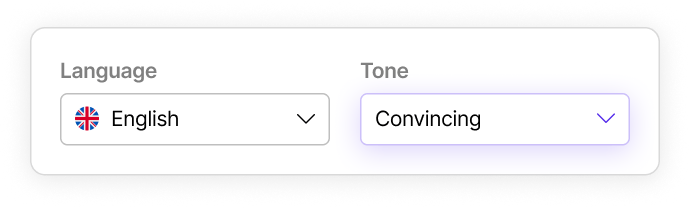
Select Output Language
WriteMe supports 30+ different languages. Select Language for social media ad copy text from the dropdown menu that appears in front of you.
Pick Writing Tone
Tap on the select tone option to open a drop down list of 20+ writing tones. Pick your preferred writing tone from the drop down.
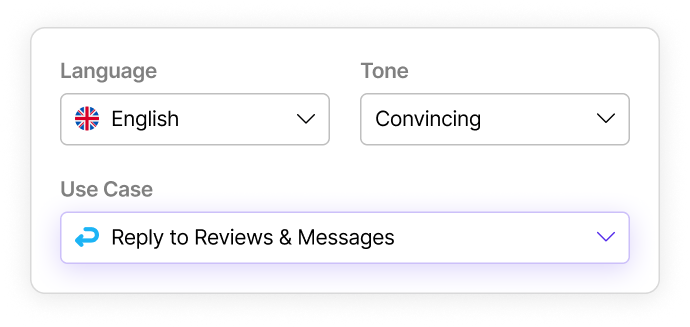
Select “Reply to Reviews & Messages”
Tap on the choose use case option. Pick “Reply to Reviews & Messages” from the drop down list containing 40+ different use cases.
You can select this use case to write the best reply for other purposes like: • Text Reply Generator • Discussion Post Response Generator • Thank You Message Generator • Love Message Generator • Twitter Reply Generator
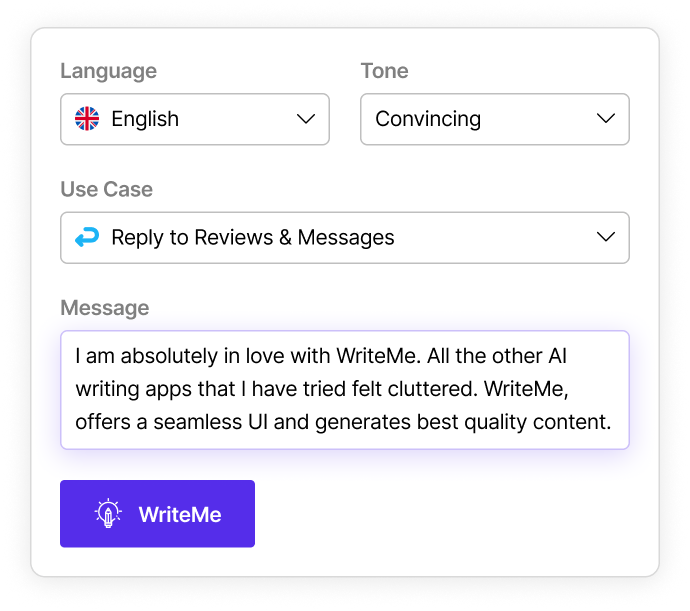
Input Main Idea
Input some relevant information such as keywords, phrases, and main message. Finally, simply click WriteMe!
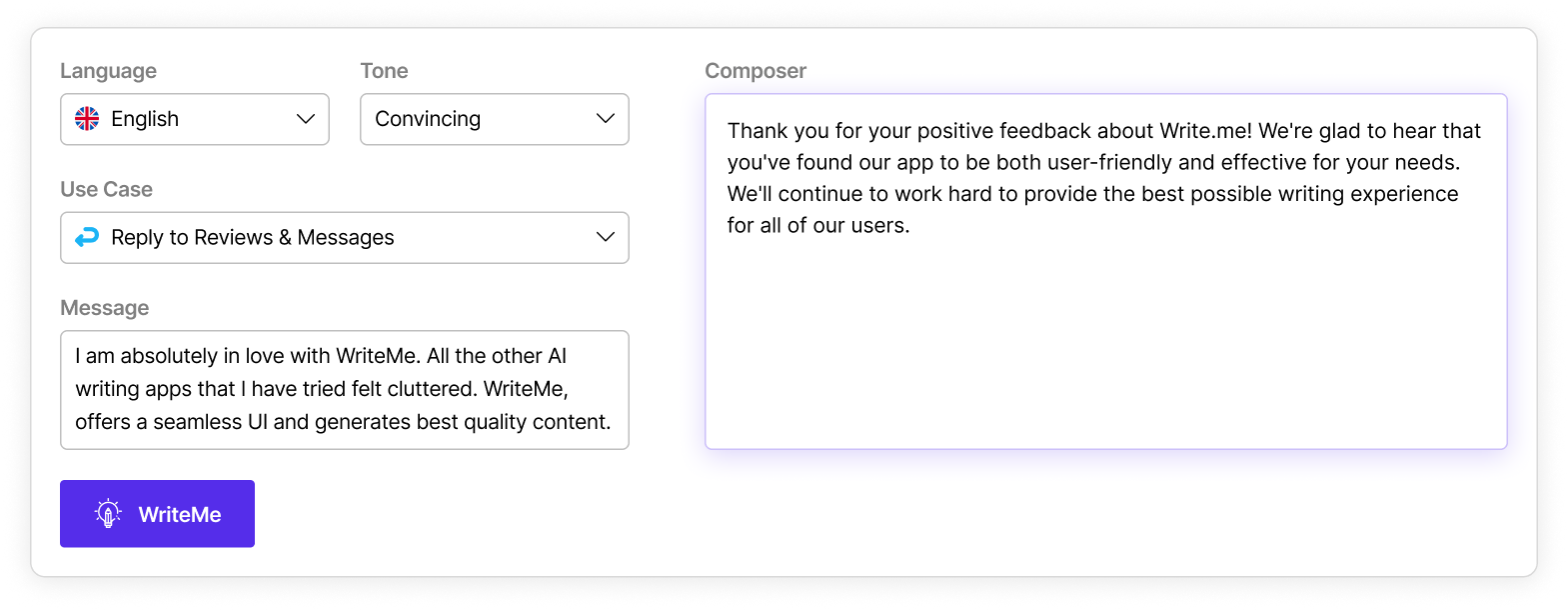
That’s It! Your Professional or Personal Text Message Response is Ready to Use!
You can keep generating different text message response variants using the line suggestions tab till you are happy with the final result.
Unlimited Message Text Generator Ideas - No Extra Cost!

 AutomateMe
 Email Automation
 Article Automation
 Social Media Automation
 WordPress Integration
 Shopify Integration
 Copy Writer
 VoiceMe
 ChatMe
 PictureMe
 Blogs
Blogs
 Case Studies
 Webinars
 FAQ’s
FAQ’s Help Center
 Contact Support
 Change Log